🔒 On-device transcription — your audio never leaves your machine
Yapping, refined

Talk, and AI cleans up
your text.

Press a hotkey, speak, and Yapper transcribes on-device, refines the transcript with AI, and pastes it right where your cursor is. Free & open source.

MIT licensed · macOS & Windows · No account required

Yapper demo — speak and watch refined text paste at the cursor

Built for talking, not cleanup

Everything you need to dictate fast and paste finished text — nothing you don't.

🎙️

On-device STT

SFSpeechRecognizer on macOS, SAPI5 / WinRT on Windows. Audio never leaves your machine.

🤖

AI refinement, your way

Route through VS Code / Copilot with no key in the app, or bring your own Groq / Anthropic key — stored encrypted.

📋

Auto-paste at cursor

Refined text drops straight into whatever app you're in. No copy, no switch, no friction.

🗣️

Voice commands

Start with "translate…", "summarize…", "draft…", or "explain…" and one hotkey does many jobs.

🪟

Floating widget

Dock-aware, follows you across macOS Spaces, click-through when idle so it never eats a click.

🔎

Searchable history

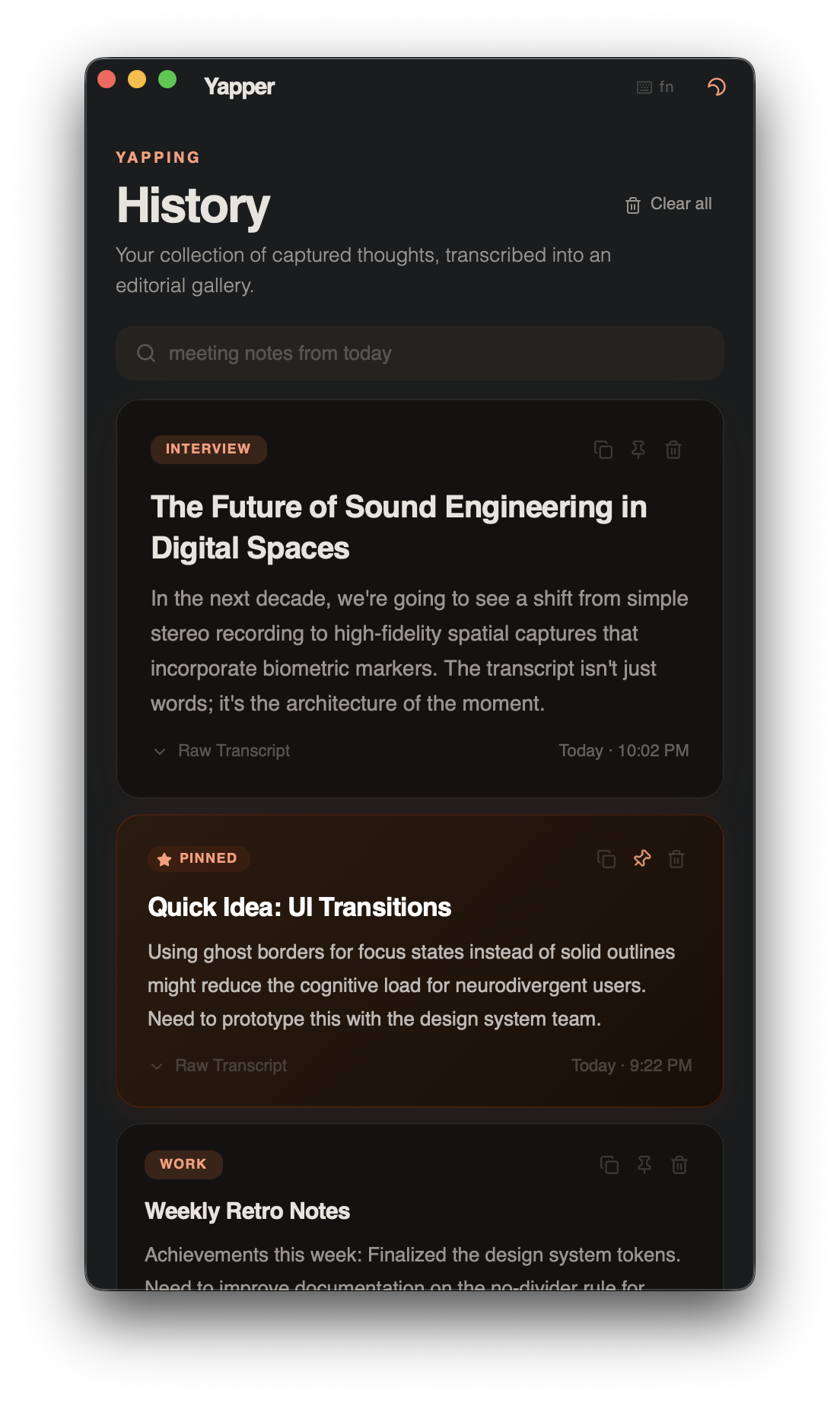
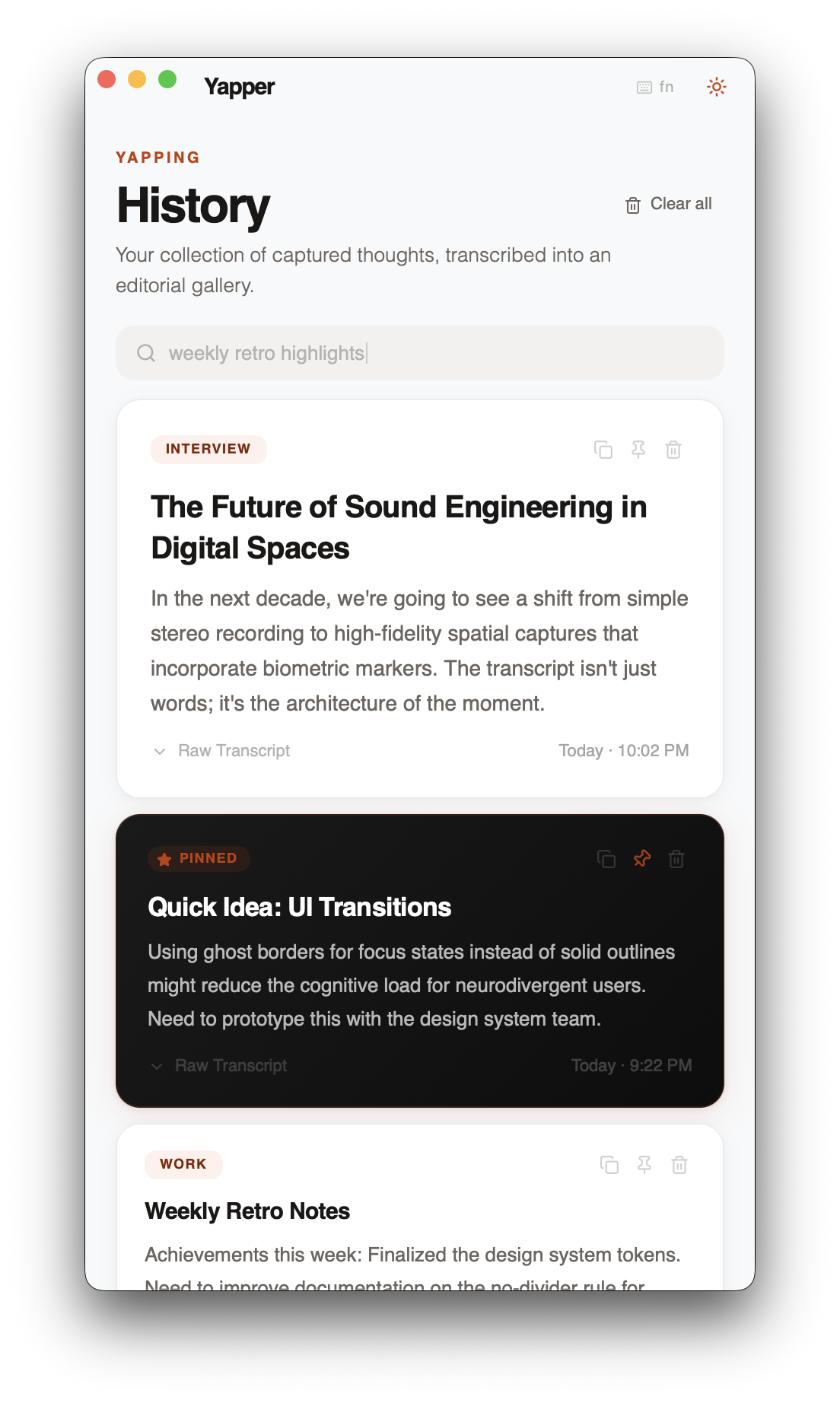
Fuzzy search, pin, copy, and filter every captured thought in an editorial-style gallery.

Light or dark. Your call.

A native-feeling macOS & Windows app with theme persistence and spring transitions.

Yapper dark mode Yapper light mode

How it works

From spoken word to pasted text in one motion.

1

Speak

Press your hotkey and start talking.

2

Transcribe

Native on-device STT converts speech to text.

3

Refine

An LLM cleans it up — or runs your voice command.

4

Paste

Finished text lands at your cursor.

Download

Grab the latest build from GitHub Releases.

macOS Gatekeeper (unsigned build): after installing, run xattr -cr /Applications/Yapper.app once. Code signing is on the roadmap.